1
Open the “My account” menu
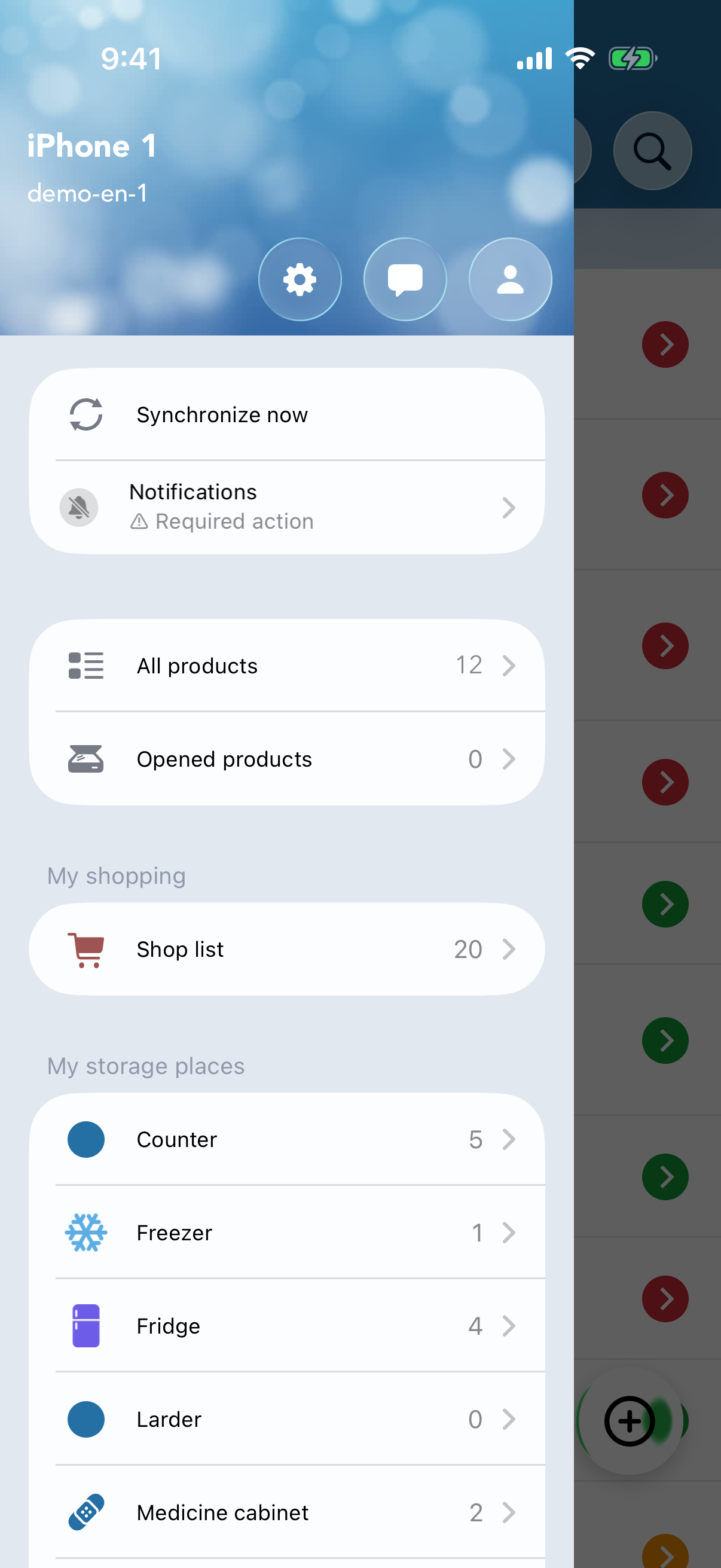
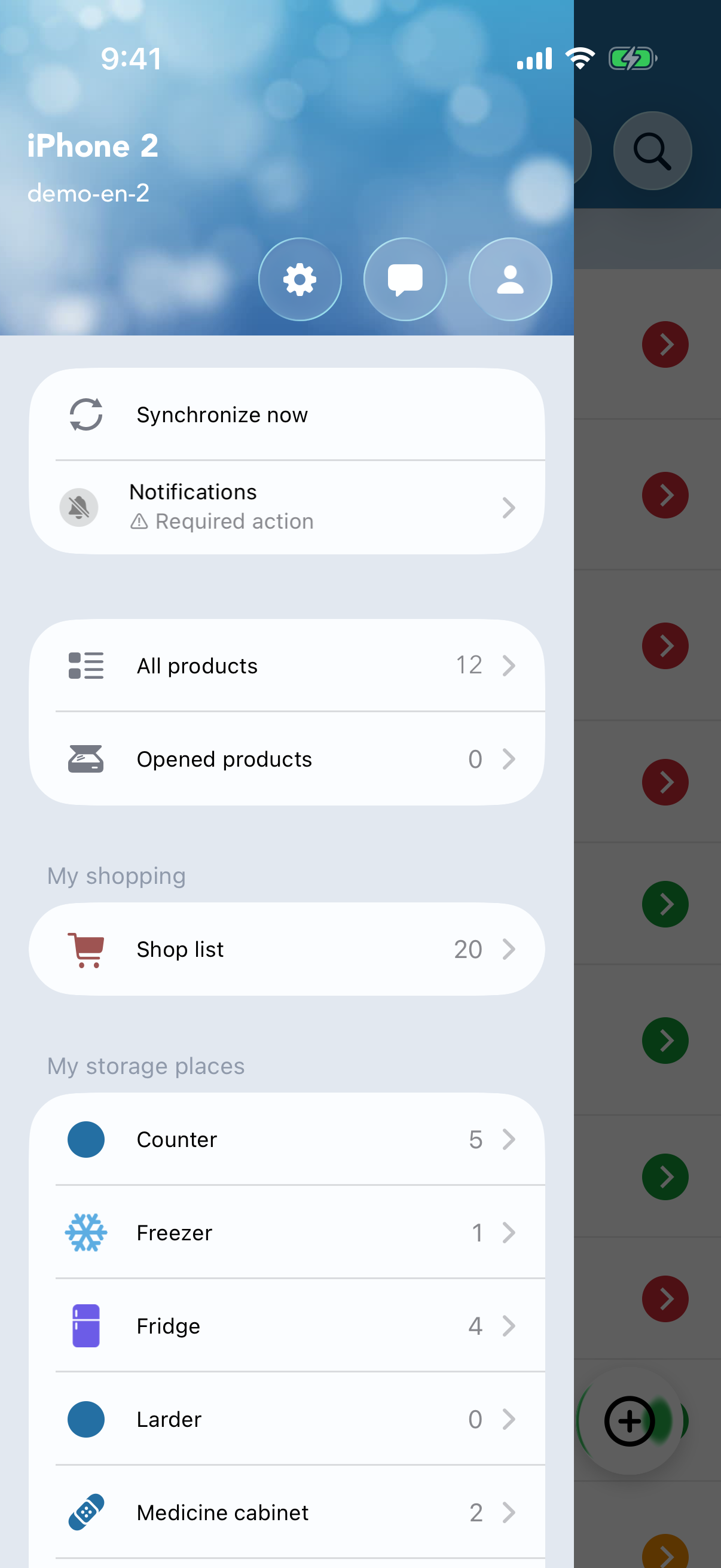
From the main screen, open the side menu by tapping the icon in the top-right corner, then select My account.
You can access your lists and products from several Apple devices in just a few steps. Pick your main device first : it's the one that “owns” the data — the others will connect to it.
For example your iPhone, if you have both an iPhone and an iPad.
From the main screen, open the side menu by tapping the icon in the top-right corner, then select My account.
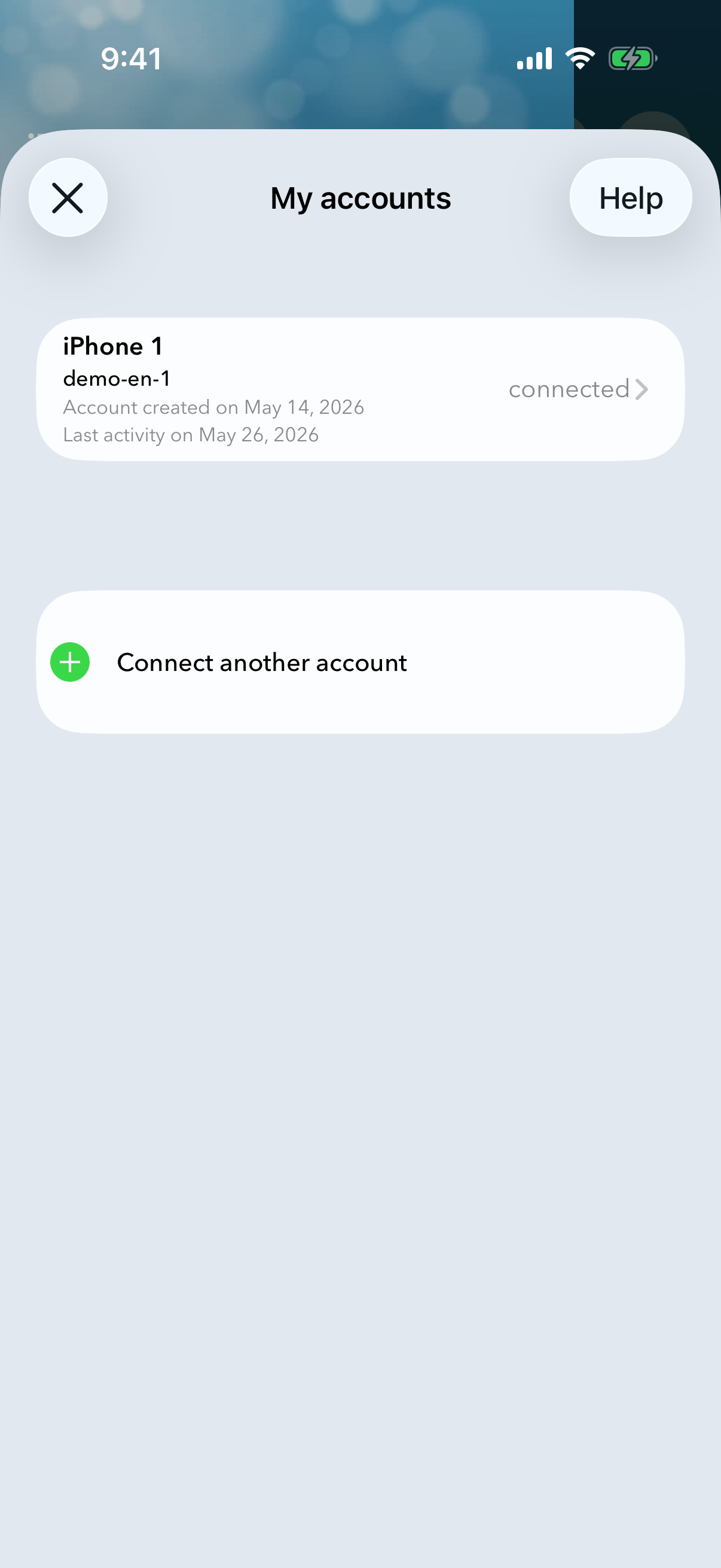
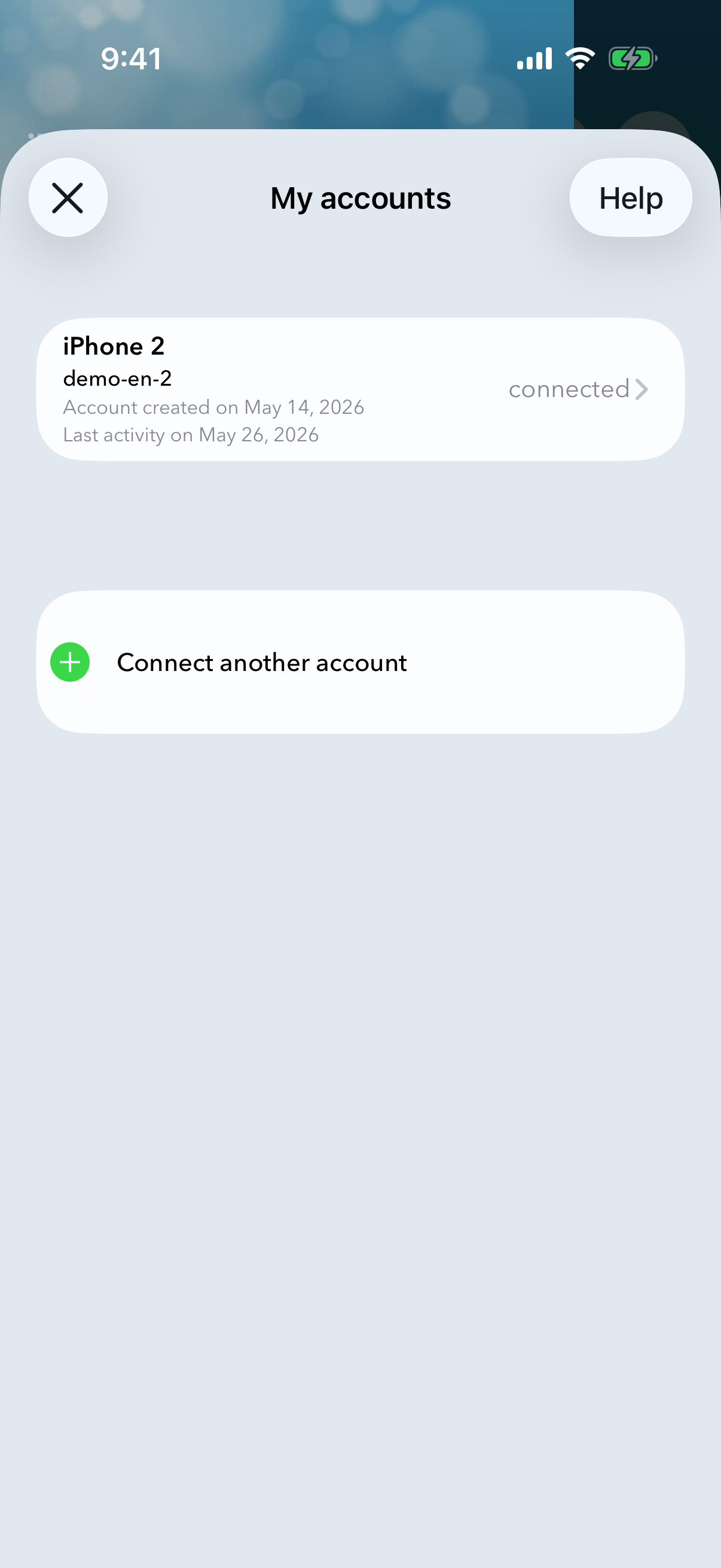
A panel lists your connected accounts. Tap the row for your account — the one marked connected on the right.
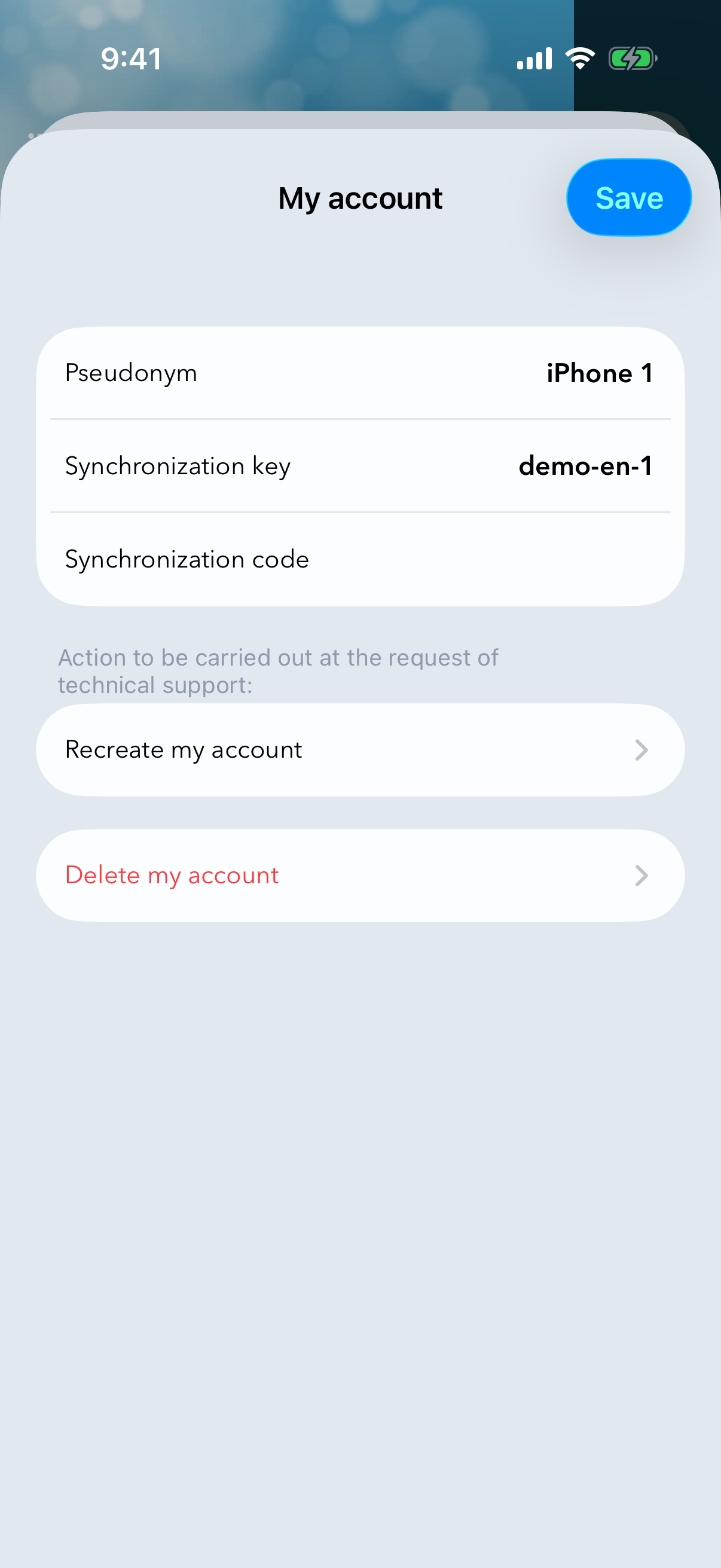
A sync identifier is created automatically. Choose a 4-digit security code, then tap Save. Write both values down — you'll need them on your other devices.
Repeat on every device you want to keep in sync.
Just like on the main device, open the side menu and tap My account.
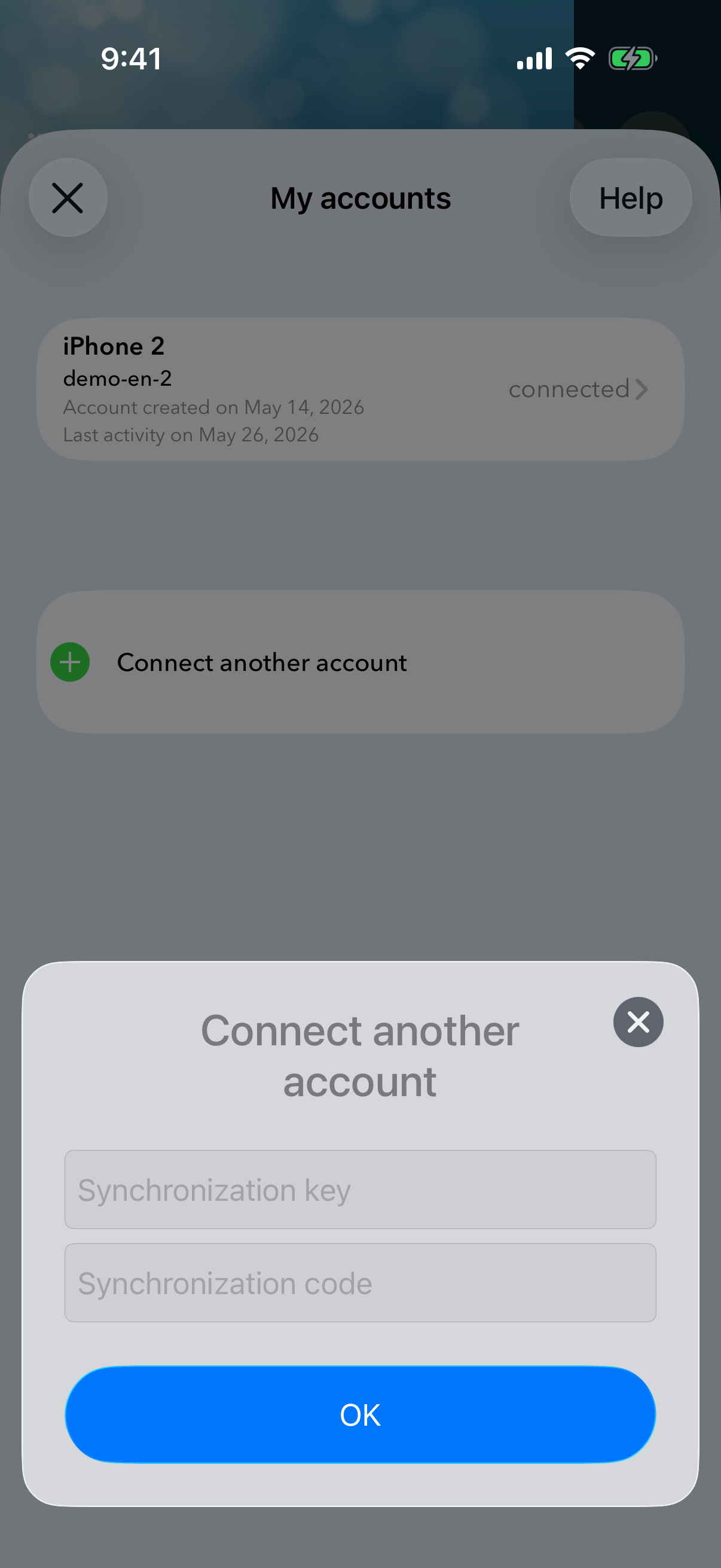
In the panel that opens, tap + Connect another account.
Type in the sync identifier and the 4-digit code you noted in step 3, then confirm with OK.